 at.wallet
At.wallet compatibility depended on the platform, connection, and companion software
At.wallet compatibility covered iOS and Android over Bluetooth Low Energy (BLE), plus Mac and Windows desktop access. Mac supported BLE or USB, while the later Windows setup required USB through the card’s portable dock. Those were legacy interfaces: the transaction service ended on June 1, 2025, and firmware and app updates stopped. A device that still powers on therefore doesn’t establish working transaction access. Installation requirements, the connection method, and cryptocurrency support each address different constraints. Continued account access through a replacement wallet requires compatible recovery settings and support for the relevant cryptocurrencies.
The short version: A replacement wallet must match the original recovery settings and cryptocurrency support; connecting the old card won’t restart its service.
The service shutdown changed what a compatible device could do
The transaction service ended on June 1, 2025. The wallet software relied on a third-party transaction API server that had been deprecated. The product also reached end-of-life status, with no further firmware updates, companion-app updates, or security patches. Active technical support ended as well.
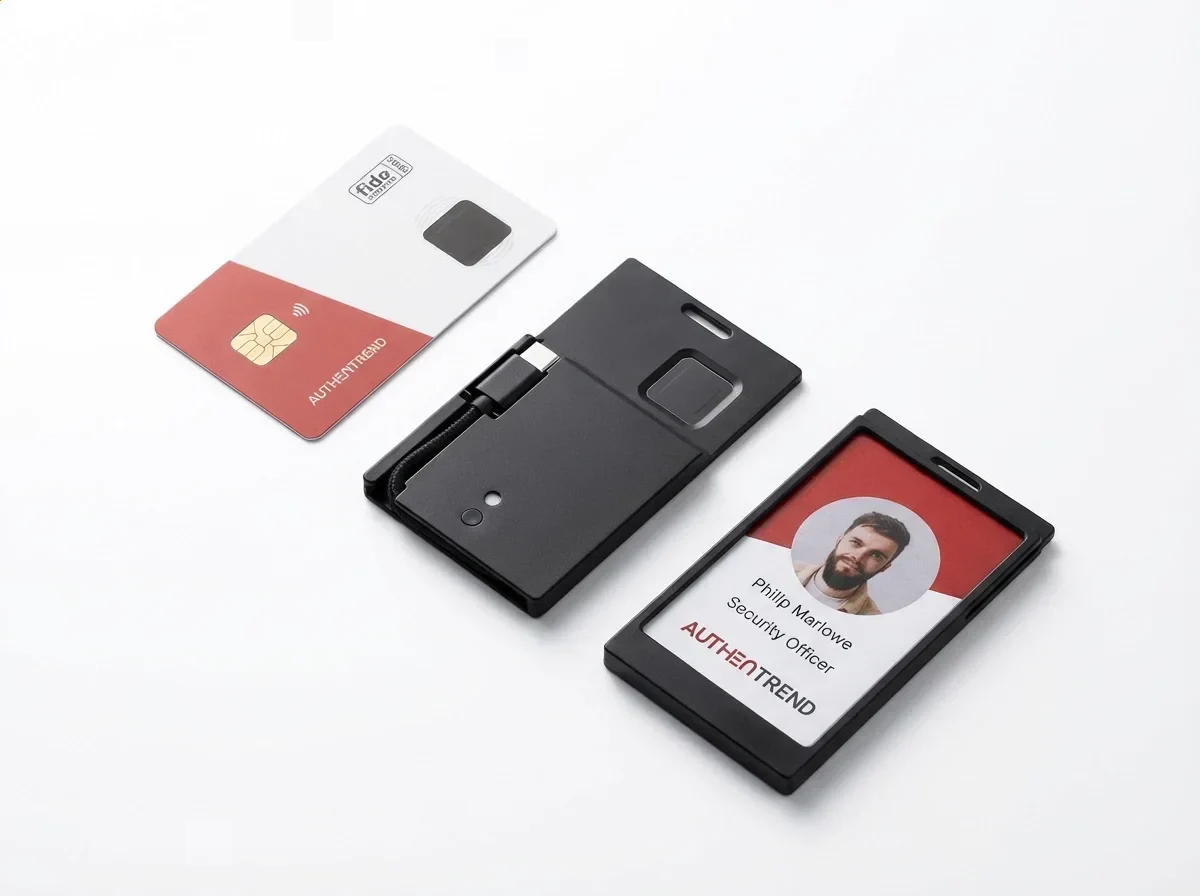
Meeting an app’s installation requirements addresses the host software. It doesn’t establish compatibility with every later operating-system release or blockchain change. The phone or computer also needs the interface that its app supports. Even when those local requirements match, reinstalling the discontinued software doesn’t reverse the transaction server’s retirement.
The card connection and asset format imposed different requirements
The card kept signing keys in its secure element. BLE or USB carried communication with the app, which presented accounts and transactions.
| Parameter | Legacy value | Supported scope |
|---|---|---|
| iPhone and iPad connection | BLE | Mobile companion app |
| Android connection | BLE | Mobile companion app |
| Mac connection | BLE or USB | Desktop app; USB used the portable dock |
| Windows connection | USB | Later quick-start workflow excluded Bluetooth pairing |
| Token format | ERC-20 | Ethereum token support in legacy software |
Which phones could use the BLE connection?
The legacy mobile connection used BLE with the iOS and Android apps. The host needed compatible software as well as Bluetooth access. A phone’s own fingerprint reader didn’t replace the sensor on the wallet card, which handled fingerprint authentication during local wallet access.
iPhone and iPad app requirements
The mobile listing for version 2.0.13 specified iOS 16.0 or later for iPhone and iPadOS 16.0 or later for iPad. These requirements described that app build’s installation eligibility. They weren’t the minimum requirements for every earlier release, nor did they certify continued transaction access after the shutdown. An older installed copy could have a different operating-system requirement and feature set. Matching a familiar app name therefore left the actual version and its host requirements unresolved.
Android Bluetooth access
Android used the mobile BLE connection. Bluetooth permissions vary with the Android version and the app’s target API level. An installed app still needs the permissions applicable to its scanning and connection operations. The phone’s Bluetooth hardware, its permission settings, and the app’s implementation all affect local communication.
Mac and Windows followed different desktop routes
Mac BLE and USB access
The Mac desktop app supported BLE and docked USB connections. Its separate version 2.0.12 listing specified macOS 13.5 or later. That requirement belonged to the desktop package, rather than every application bearing the wallet’s name. BLE provided a wireless card connection; USB used the portable dock and a computer connection. Both routes still relied on compatible companion software.
The later Windows USB workflow
The later Windows setup used the desktop app over USB and explicitly excluded Bluetooth pairing. A computer’s Bluetooth capability didn’t add that missing app function. For this workflow, the card needed its docked USB connection. Replacing that dock with a Bluetooth adapter wouldn’t provide the USB route that the software expected.
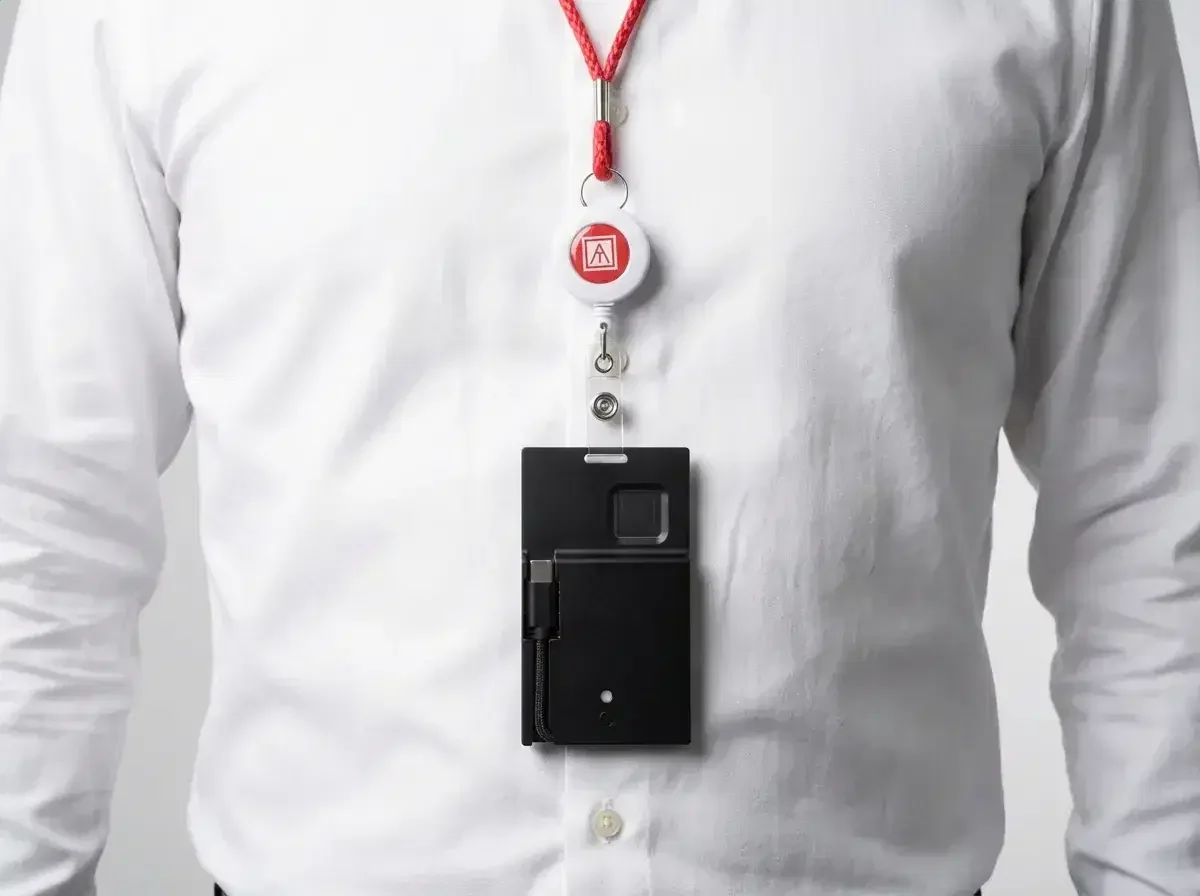
USB browser integration
The product also advertised browser-based USB access through its portable dock. That described an integration between the card and compatible browser software. USB hardware alone didn’t supply wallet functions to every browser or website. Browser access and the dedicated desktop app were separate software contexts, so their installation and connection requirements shouldn’t be assumed identical.
Charging, local viewing, and network access had separate limits
The portable dock supported charging and desktop USB communication. A USB power adapter supplied power; BLE could provide the card’s app connection during charging. A computer’s data port provided the USB host route. In the legacy display, a USB icon indicated that the host had recognized the card as a Human Interface Device (HID). Charging alone displayed no USB icon.
After fingerprint verification, standalone viewing used the card’s e-ink display to show wallet information and receiving QR codes. Blockchain balance synchronization belonged to the connected software workflow. An offline display couldn’t independently establish a fresh balance after a new payment. Its address display also served a different purpose from sending: a receiving QR code represented an address, while outgoing transactions required authorization and network submission through the supported wallet workflow.
Receiving cryptocurrency didn’t require the card’s fingerprint approval.
Cryptocurrency support also depended on the account format
Asset support changed across app releases, so a familiar coin name didn’t identify every supported account format.
Native cryptocurrency coverage
Historical asset coverage included Bitcoin (BTC), Bitcoin Cash (BCH), Ethereum (ETH), Litecoin (LTC), XRP, Dogecoin (DOGE), and Dash (DASH). App versions also mattered: the mobile release history listed XRP support in version 1.0.23.
Ethereum token accounts
The legacy software supported ERC-20 tokens through Ethereum accounts. ERC-20 defines a token contract interface, including balance and transfer functions. ETH and an ERC-20 token have separate balances even when the same account address holds both. Support for that token interface didn’t establish support for every network that used a similar address format. The account needed the correct network, token contract, and supported wallet operations.
Bitcoin and Litecoin address settings
The app offered a BIP84 option when adding Bitcoin or Litecoin. BIP84 defines address derivation for native SegWit Bitcoin accounts. An address derivation scheme determines which addresses a wallet produces from its underlying keys. Recognizing the cryptocurrency alone therefore didn’t resolve compatibility with an existing account. A replacement that searched a different account format could miss the original addresses despite accepting the recovery words.
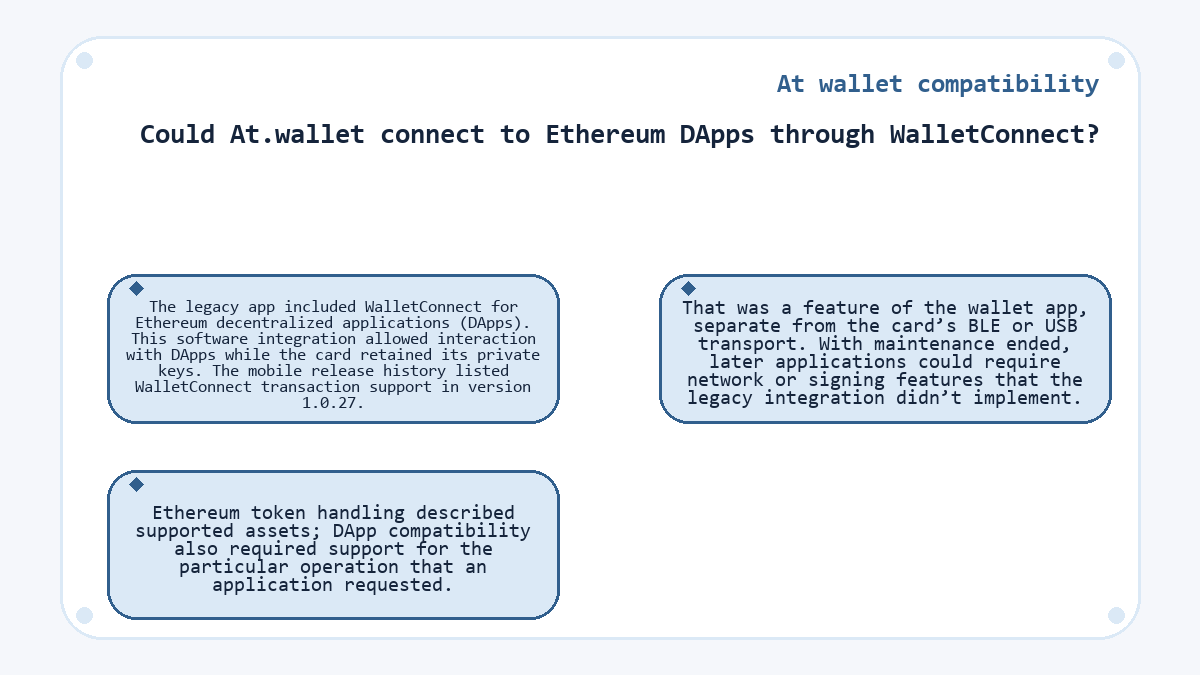
Could At.wallet connect to Ethereum DApps through WalletConnect?
The legacy app included WalletConnect for Ethereum decentralized applications (DApps). This software integration allowed interaction with DApps while the card retained its private keys. The mobile release history listed WalletConnect transaction support in version 1.0.27. That was a feature of the wallet app, separate from the card’s BLE or USB transport. With maintenance ended, later applications could require network or signing features that the legacy integration didn’t implement.
Ethereum token handling described supported assets; DApp compatibility also required support for the particular operation that an application requested.
A replacement wallet changes the compatibility requirements
Continued account access requires a replacement that supports the backup, original recovery settings, relevant cryptocurrencies, and account derivation. Any recovery passphrase originally used remains part of those settings. The old card’s connection method doesn’t determine which addresses the replacement derives. A maintained hardware wallet and a software wallet can both be candidates when their account support matches. Their handling of signing keys differs: a dedicated hardware wallet keeps its signing keys on the device, while a software wallet stores them on the phone or computer. Neither choice needs to reproduce the old dock or fingerprint enrollment to support compatible account recovery.
Quick answers
Can the At.wallet mobile app run on a Mac with Apple silicon?
The mobile app’s installation listing allowed macOS 13.0 or later on a Mac with an Apple M1 chip or later. That eligibility didn’t establish the same card connection capabilities as the separate desktop app. The mobile listing also marked the app as not verified for macOS. Treat the mobile and desktop packages as distinct legacy applications, each with its own requirements.
Why might an At.wallet card stay unlit when connected for charging?
An unlit card could reflect the device’s low-battery protection. The legacy charging procedure allowed for an initial period without an LED response after USB connection. A dark indicator alone therefore didn’t prove an operating-system incompatibility. Charging readiness and the ability to communicate with a wallet app were separate conditions.
Does the At.wallet service shutdown stop an existing receiving address from accepting cryptocurrency?
An existing address can still receive cryptocurrency on its blockchain when the sender uses the correct network and address. Retiring the wallet service didn’t remove that address. Receiving funds and obtaining access to spend them are separate matters. Spending requires the corresponding signing keys; recovery through a replacement wallet depends on a usable backup and matching account settings.
Is a token’s ticker enough to identify a compatible ERC-20 asset?
A ticker alone doesn’t identify an ERC-20 asset. The token’s deployed contract and network determine which asset the wallet is handling. The ERC-20 standard makes its symbol field optional, so a familiar symbol isn’t a unique identifier. Legacy Ethereum token support therefore shouldn’t be interpreted as support for every asset bearing the same letters.
Will a factory reset make At.wallet work with a newer operating system?
A factory reset doesn’t supply a maintained app or restart the retired transaction service. The card’s reset function erased device data, which could remove existing local access. Recovery depends on the saved backup and any original recovery passphrase.
Which code identified an At.wallet card in the legacy app’s device list?
The card’s unique Keycode identified its entry in the legacy app. It distinguished the physical unit during connection and device management. That identifier wasn’t a cryptocurrency receiving address or a recovery secret. A matching device entry identified the card locally; it didn’t establish that the discontinued transaction service could process a payment.
Updated: