 at.wallet
At.wallet fingerprint authentication used on-card matching to control legacy wallet access
At.wallet fingerprint authentication used on-card biometric matching to control wallet access and approval of outgoing transactions. Enrollment and verification relied on the card’s sensor, with the companion app handling the connected workflow. The transaction service ended on June 1, 2025. A working fingerprint reader therefore can’t establish that the old wallet can still send cryptocurrency. Legacy access also depended on the connection method, saved fingerprint enrollment, and any fingerprint assignment to a particular wallet.
In short: A successful fingerprint match established local authorization on the legacy card; it couldn’t restore the transaction service that ended in June 2025.
BLE pairing and USB docking for legacy access
The legacy connection options linked the physical card to its companion app, which requested fingerprint verification during the wallet’s access and transaction workflows.
Mobile connections
iOS and Android used Bluetooth Low Energy (BLE). The card supplied the fingerprint sensor; the phone supplied the app interface. Unlocking the phone with its own biometrics didn’t enroll a finger on the wallet. Bluetooth discovery identified a nearby card, while enrollment established the biometric record that later verification used.
Desktop connections
Mac supported BLE or USB, and the Windows app used USB without Bluetooth pairing support. The USB route required the card’s docking connection. Those historical interfaces don’t establish compatibility with a later operating-system release, particularly after the end of software maintenance.
Enrollment ended with a separate matching check
Approximately 14 to 16 touches formed the legacy enrollment sequence, with different areas of the finger contacting the sensor until capture progress reached 100%.
Verification compared a new touch with the enrolled fingerprint after capture progress reached 100%. A successful match established authentication; the enrollment progress indicator described capture completion.
The card accommodated up to eight fingerprints, including fingers belonging to multiple people. Adding another person’s finger could authorize wallet use under the card’s configuration.
During initial setup, pairing involved a sensor touch after comparing the codes shown by the card and app. That earlier touch confirmed pairing, before enrollment and its separate verification check. It didn’t establish a match against an enrolled record.
What did a successful fingerprint match authorize?
A successful match authorized the requested wallet action under its fingerprint settings, including login or approval of a prepared outgoing transaction.
Wallet login
For connected access, the app communicated with the card and requested verification. The match related to fingerprints that the card had enrolled. Merely finding the device in an app’s connection list didn’t establish authorization to open its wallet.
Outgoing transaction approval
The app supplied recipient, amount, and fee details. The legacy sending flow included inspection of transaction information on the card before final fingerprint verification. Approval concerned that prepared request; the match couldn’t decide whether the destination or entered amount suited the sender’s intention.
Authorization, signing, broadcast, and confirmation describe different transaction states. A digital signature authorizes transaction data with a private key. A successful fingerprint message alone doesn’t demonstrate network acceptance or a confirmed transfer, and it doesn’t establish that an external transaction service remains available.
On-card templates and protected signing keys
Biometric templates and private keys had different purposes: the template supported fingerprint comparison, while the private key supplied cryptographic authority for wallet operations.
The card kept its biometric templates on the device. Its Infineon SLE97 secure element generated and stored private keys internally. The PIN-less design changed local access to the card; it didn’t eliminate the recovery secrets that could reproduce wallet keys in a compatible replacement.
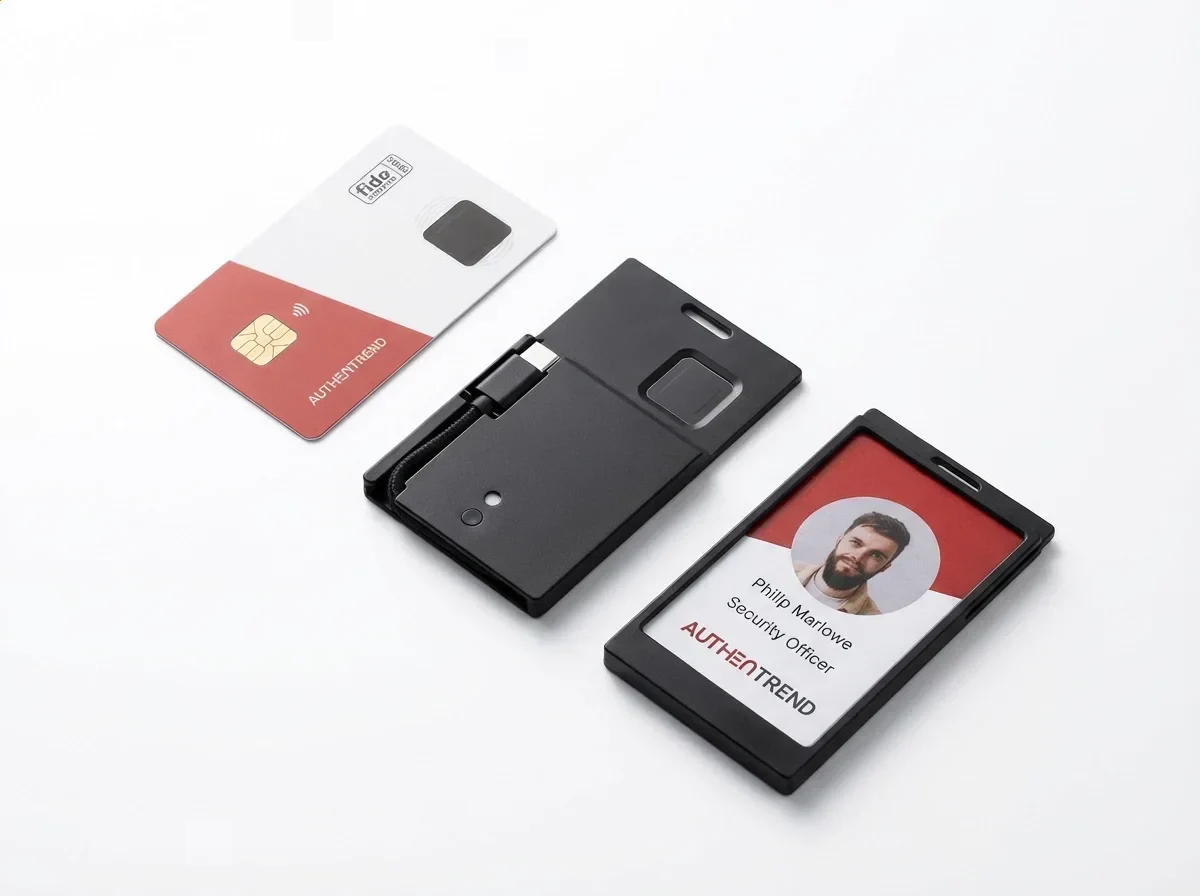
Biometric comparisons account for differences between an enrolled sample and a later scan. Sensor noise and presentation variations can cause a false non-match. Matching thresholds also affect false matches. Local comparison avoids sending templates away for verification, while the sensor’s accuracy and resistance to artificial samples remain separate security properties.
Fingerprint assignments changed wallet selection
The sending workflow required a bound fingerprint when the selected wallet had a binding. Without one, any enrolled finger could verify the request.
With no fingerprints bound to a particular wallet, ordinary login opened the main wallet. The app offered a switch to a hidden wallet, while standalone viewing covered the main wallet in that configuration.
Standalone viewing had a narrower purpose than sending
The card’s standalone mode displayed wallet information, including receiving addresses and QR codes, after fingerprint verification, without requiring a second screen for those details.
Receiving cryptocurrency at an existing address didn’t require fingerprint verification. Sending involved transaction preparation and a connected workflow. An address display identified a receiving destination; it didn’t show that the card had submitted a transfer or that an external service was operating.
An e-ink display can retain an image without electrical power. A visible balance or address therefore doesn’t establish a powered, authenticated session. The image also carries no independent assurance that displayed balance information reflects later blockchain activity. Display persistence, fingerprint matching, and fresh network information answer different questions.
A USB fingerprint login check with the dock missing
A missing docking connection blocks a hypothetical USB attempt to check fingerprint login. Assume the reader has a powered card, an enrolled finger, and an existing desktop app, but lacks the USB docking hardware. The intended task is local card access through the documented USB route.
If the reader needs to buy compatible docking hardware, the cost depends on its price and availability. Buying another biometric reader wouldn’t provide the required card connection. A replacement wallet introduces different hardware and recovery requirements, so neither a fixed purchase amount nor a universal total follows from this case.
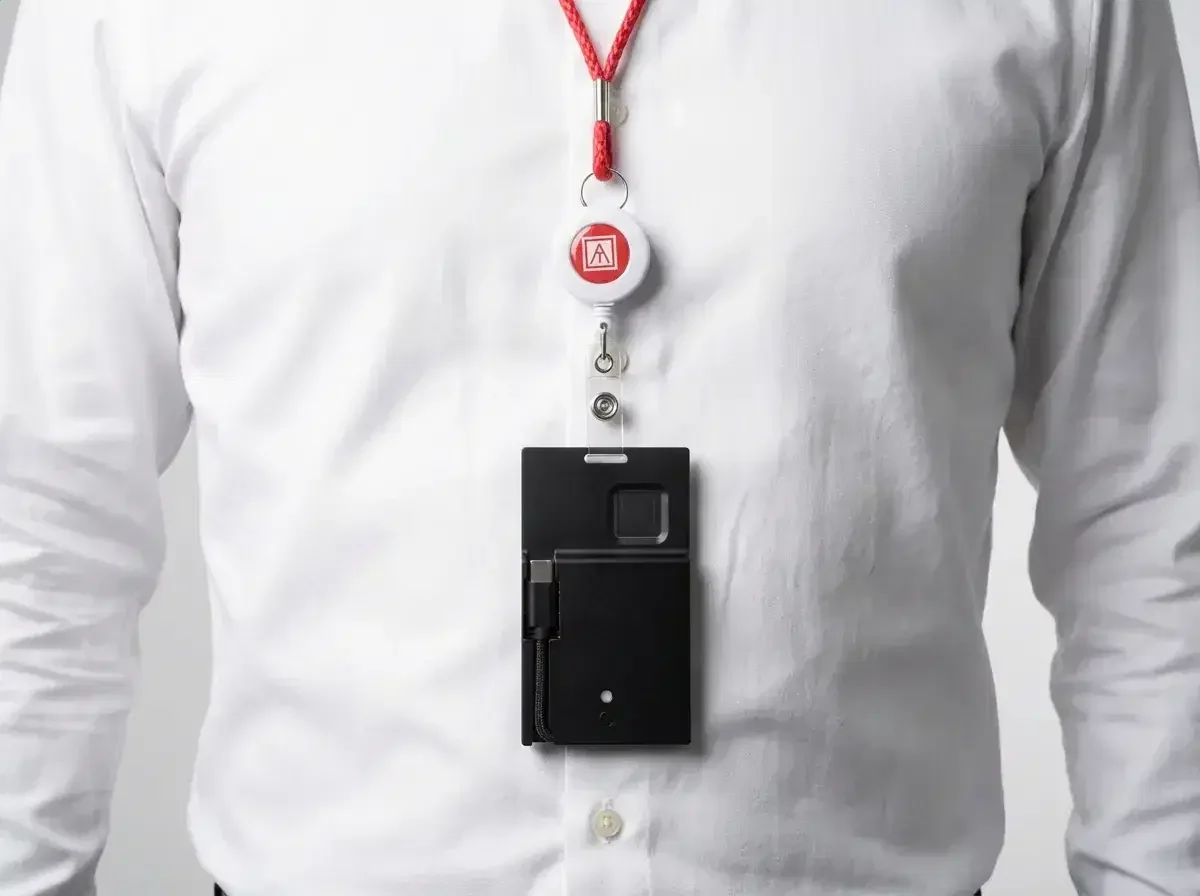
The reader pauses the USB attempt before spending on unrelated equipment. Without the dock, the USB connection remains incomplete and fingerprint matching can’t be tested through that route. Adding the connection would address that prerequisite without establishing transaction-service availability.
The June 2025 shutdown limited connected wallet use
The transaction service ended on June 1, 2025. The wallet relied on a third-party transaction API server that was retired. API means application programming interface. The card, firmware, and companion apps also reached end of life, without further updates or security patches. A charged card and a matching finger didn’t recreate that external service, and old connection support didn’t promise compatibility with later software.
What did a red fingerprint indicator mean?
A red indicator during the legacy fingerprint matching check meant that the presented fingerprint hadn’t matched the enrolled record.
That result concerned the biometric check. It didn’t establish that the wallet’s blockchain assets had disappeared or that the transaction server had failed. A connection failure and a rejected scan involved different parts of the workflow, even if both prevented the intended app action.
The legacy calibration setting required keeping fingers off the sensor. Factory reset erased all device data. These operations addressed different objects: calibration concerned the sensor, and erasure concerned stored data. Resetting before securing recovery secrets could remove a remaining local access route.
Recovery depended on secrets that fingerprint access didn’t replace
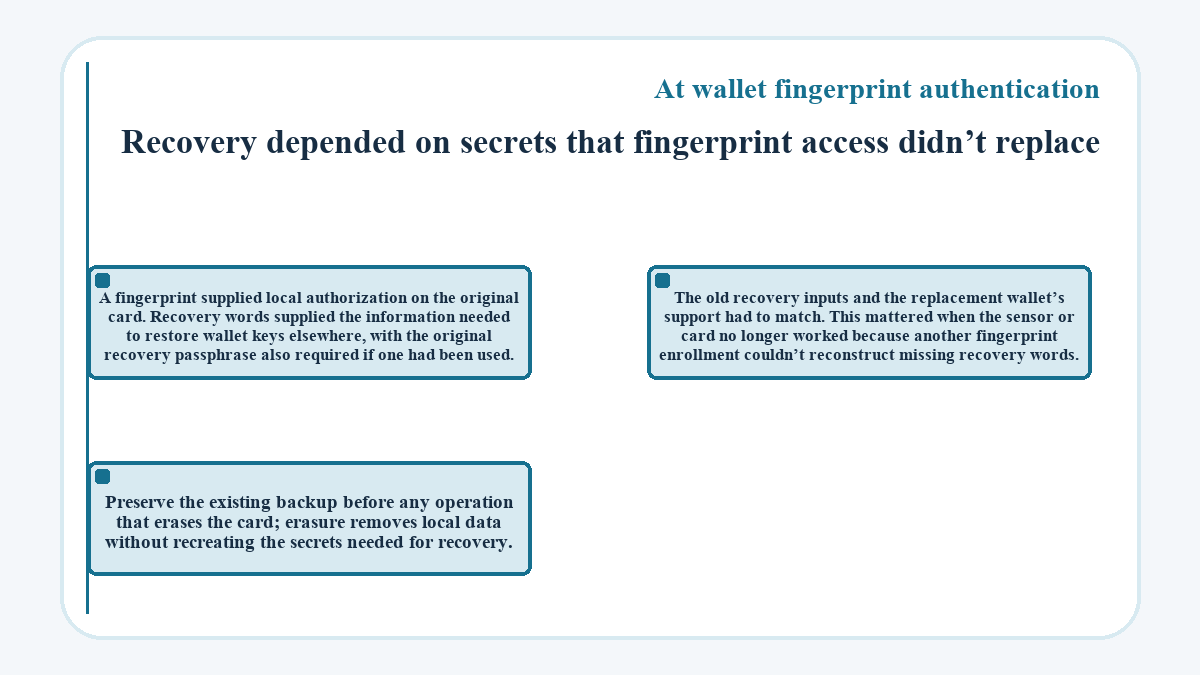
A fingerprint supplied local authorization on the original card. Recovery words supplied the information needed to restore wallet keys elsewhere, with the original recovery passphrase also required if one had been used.
The old recovery inputs and the replacement wallet’s support had to match. This mattered when the sensor or card no longer worked because another fingerprint enrollment couldn’t reconstruct missing recovery words. Preserve the existing backup before any operation that erases the card; erasure removes local data without recreating the secrets needed for recovery.
Things people ask about At.wallet fingerprint authentication
Could enrolling another person create a separate wallet for them?
Adding a fingerprint registered another biometric record; it didn’t create a new wallet. Wallet creation or recovery was a separate initialization choice. Which wallet a finger could authorize also depended on fingerprint assignments, so enrollment alone didn’t establish a separate account or balance for that person.
Does a fingerprint scan itself incur a blockchain transaction fee?
A fingerprint scan is a local authentication event, not a blockchain transaction. Any network fee concerns the transaction that a wallet submits, not the sensor comparison itself. The old app’s outgoing transaction details included a fee field; a successful scan wasn’t evidence that a fee-bearing transfer had completed.
Can multiple enrolled fingerprints enforce joint transaction approval?
Adding fingerprints didn’t, by itself, establish a joint-approval rule. Enrollment registered local biometric records. A blockchain multisignature policy specifies which cryptographic keys must authorize a transaction; a list of recognized fingers alone doesn’t define that policy.
Which enrolled fingerprints could the legacy app delete?
The legacy app blocked deletion of a fingerprint bound to an assigned wallet. Wallet assignment therefore affected which records could be removed. Deleting a fingerprint and erasing the card with factory reset were different operations.
Did the EAL5+ rating certify the wallet’s fingerprint accuracy?
The EAL5+ designation concerned the secure element, not a measured fingerprint recognition rate for the complete wallet. Common Criteria evaluation assesses a defined security component and its scope. That designation alone didn’t establish the sensor’s false-match rate, its reliability with a particular finger, or its resistance to artificial fingerprints.
How long could an idle Bluetooth session stay connected?
The legacy BLE policy disconnected after 60 seconds without activity in either the app or card. The card powered off after 120 seconds without activity when neither BLE nor USB was connected. These were inactivity limits, not fingerprint recognition times.
Was on-card matching the same as checking fingerprint liveness?
On-card matching described where fingerprint comparison happened, not whether the sensor checked liveness. Liveness detection assesses whether a sample comes from a living person at capture. Keeping templates local and protecting private keys don’t, by themselves, establish that detection capability or how effectively it handles artificial samples.
Did local fingerprint storage make outgoing transactions private?
Keeping fingerprint templates on the card didn’t itself conceal blockchain transactions. The relevant network’s design determined the visibility of addresses and transaction records. The app’s handling of transaction information was also a separate privacy matter from the card’s matching process.
Updated: